

FATpick v2.5.6 includes several new, small-scale features, a collection of bug fixes, and few other minor enhancements. Feature improvements include random songs lists, duplicate song detection, new auto-discovery chord types, and the option to flip any tab on the vertical axis. Issues with unplayable tracks, accurate representation of relative string gauges, and the proper annotation of inverted chord fingerings have been addressed.
Liner Notes

The FATpick Blog
Posts tagged Features
Shuffle (Random) Song List
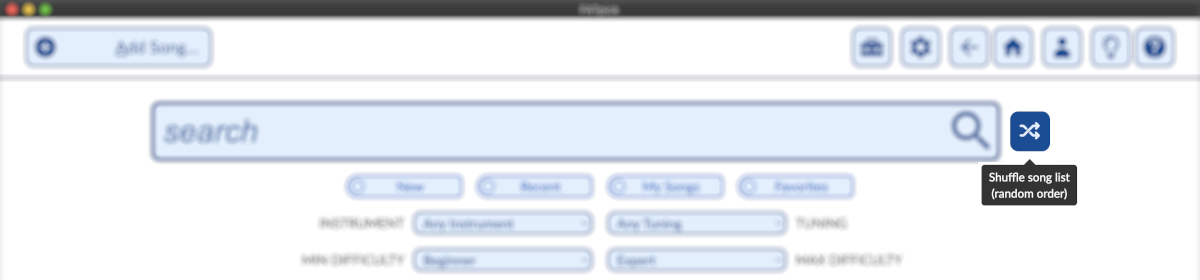
To help you to explore the growing library of songs shared by FATpick users, the song search interface now includes a "shuffle" button that will randomize the order in which the matching songs appear.
Flip Strings on Tablature
Left-handed guitarists and others may be interested in FATpick's new, unique Flip Strings feature. Enable this setting will reverse the order in which strings appear on the tablature, effectively mirroring the tab across a vertical access. Lefties that play a right-handed guitar upside down - like Jimi Hendrix did BTW - are one group that might want to try this feature. Mandolin players looking to expand their repertoire with equivalent but upside-down bass transcriptions are another.
Audio Settings
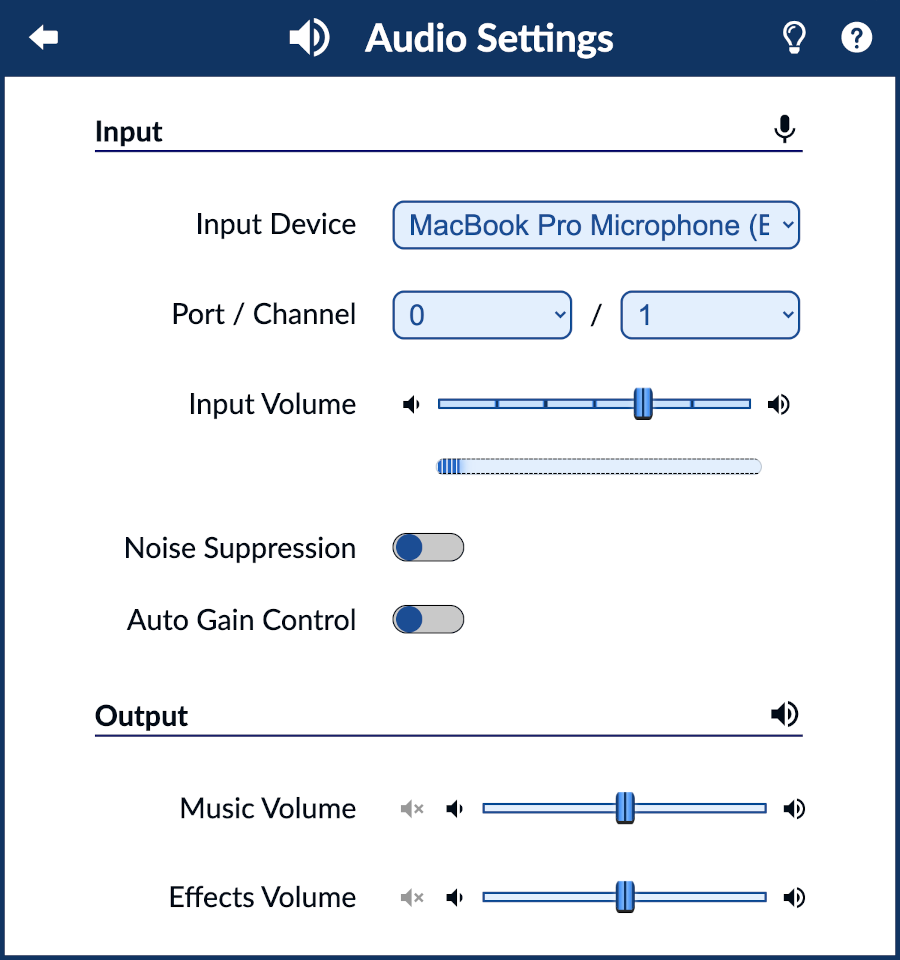
A detailed walk-thru of the various controls and configuration options available in FATpick's Audio Settings menu. (Updated March 7, 2022.)
Printing and Exporting Tabs

Have you ever wished you could play songs from your FATpick library when offline or away from your computer? Now you can. Print or export the full tablature for any song in FATpick using the Print Tab option on the main tab view/gameplay screen.
The Tuning Parser

Notes on the syntax used to specify custom instrument tunings to the fretboard-related reference tools.
Searching for Songs and Tracks (Tabs)

The new search interface is more precise - and more powerful - with new options for directly searching and filtering based on track-level characteristics such as instrument type, tuning, and skill-level that make it easier than ever to find the songs you want to play.
Estimated Track Difficulty

The difficulty rating is a measure of the complexity of given track - an estimate of the level of skill required to play the tab. It's based on more than two-dozen beat-, measure-, phrase-, and song-level attributes that model the rhythmic, fretting and picking/plucking/strumming performance dimensions.
General Settings Menu
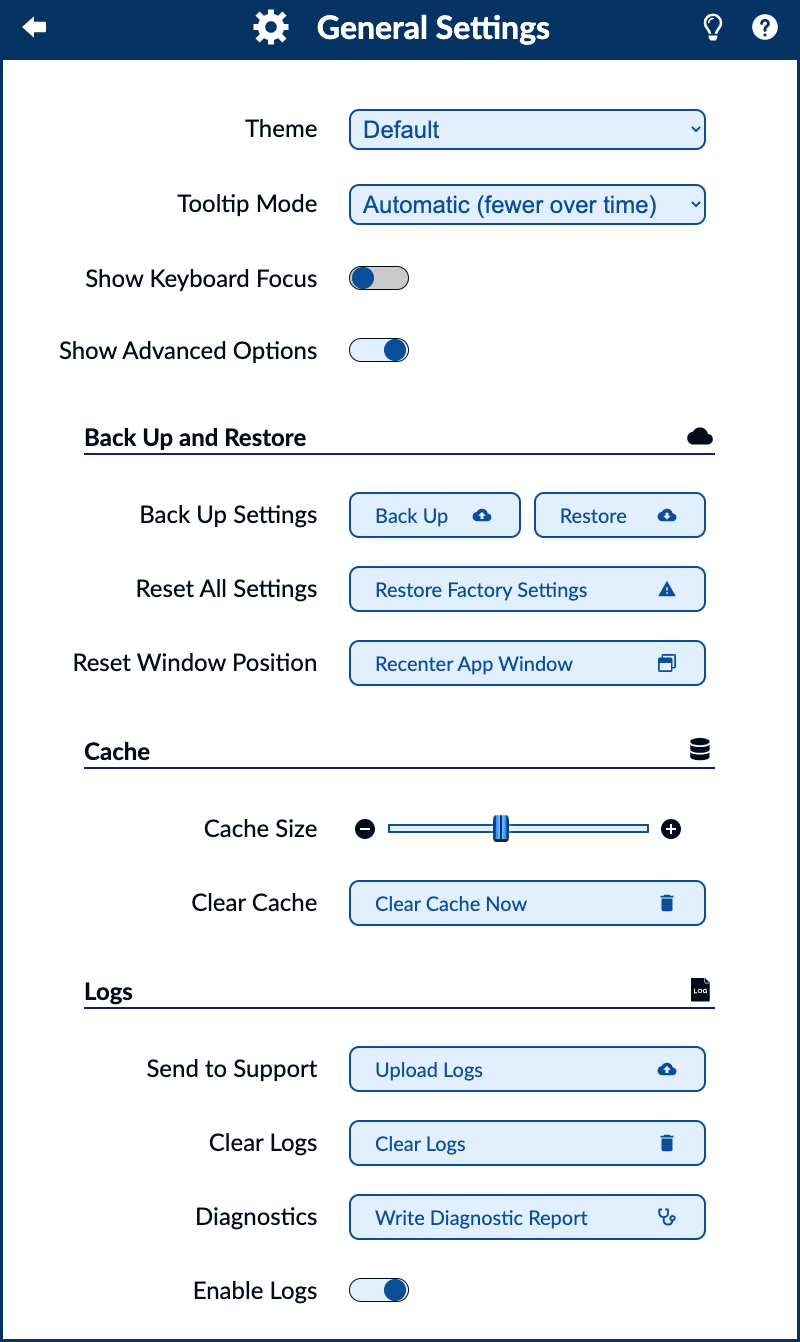
The general settings menu contains several application-wide configuration options such as look-and-feel preferences, log and cache configuration, and more. Read on for screenshots and a detailed description of the general settings menu options.
Release Notes for FATpick v2.4.5
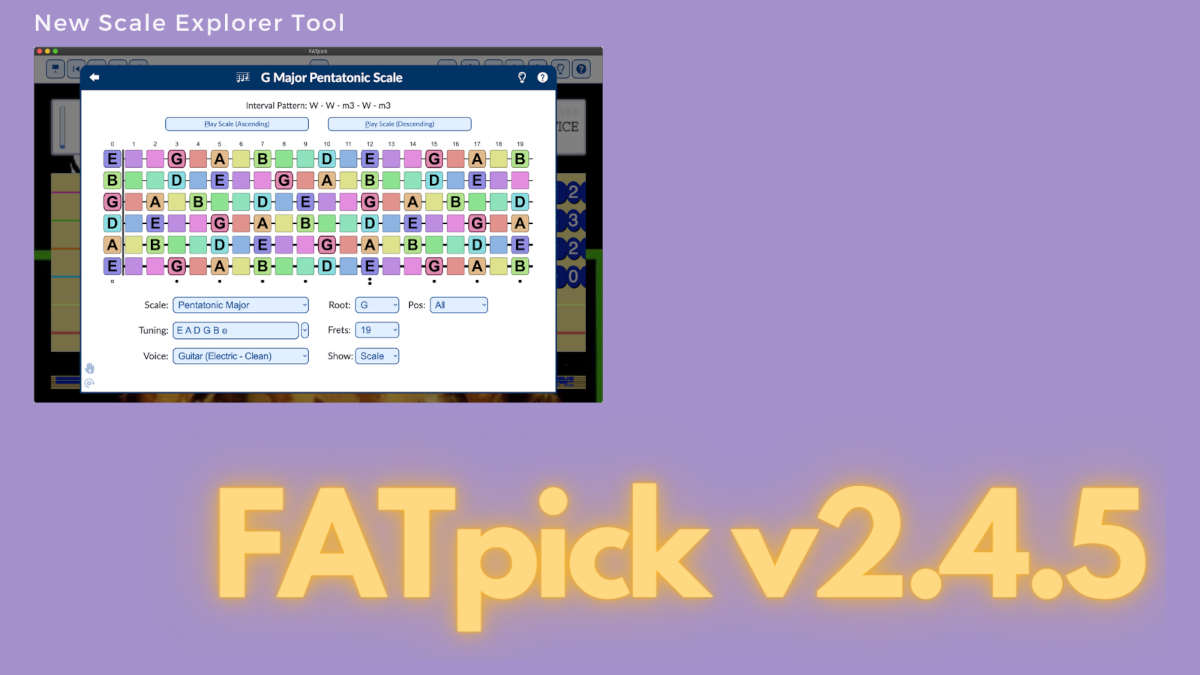
New musical scale explorer; related fretboard tool enhancements; various design tweaks; minor bug fixes.
Chromatic Tuner

The in-app tuner is a convenient way to tune your guitar using the same pitch detection algorithm that's applied during game play.
Stand-Alone Metronome Tool

Improve your timing with a sophisticated, digital metronome embedded in FATpick for free-form rhythm practice.
← Newer Posts
 Atom Feed
 JSON Feed